
Film once. We do the rest.
Send one walkthrough video. We pull the whole photo pack out of it.
4 minutes. Watch it once before your first shoot — the five rules below are what matter most.
We can’t work with vertical videos
- Film sideways, always. A vertical (up-and-down) video can’t become a wide listing photo — the result won’t be accurate.
- Never pan while you walk. Stand still, then pan slowly. If you move while panning, the texture can change and the AI may hallucinate features that aren’t really there.
- If you don’t film it, we can’t see it. We only have what’s in the video — film every room, corner and detail.
Every property, every time
The five rules
Film sideways
Hold the phone horizontally. Never film up and down.
Use wide angle
Use 0.5 / wide. If 16:9 is available, choose the widest format.
Eye height
Keep the phone straight so we see floor and ceiling together.
Corner, stop, pan
Big rooms: 4 corners. Small rooms: 2 opposite corners. Stand still, then pan slowly and steadily — fast moves blur the frames.
Lights on, curtains open
Turn on every light and open all the curtains — otherwise we can't see the real colour and texture of the space.
The whole method
How it works
Do these and your footage comes out perfect. Skip them and we can't use it.
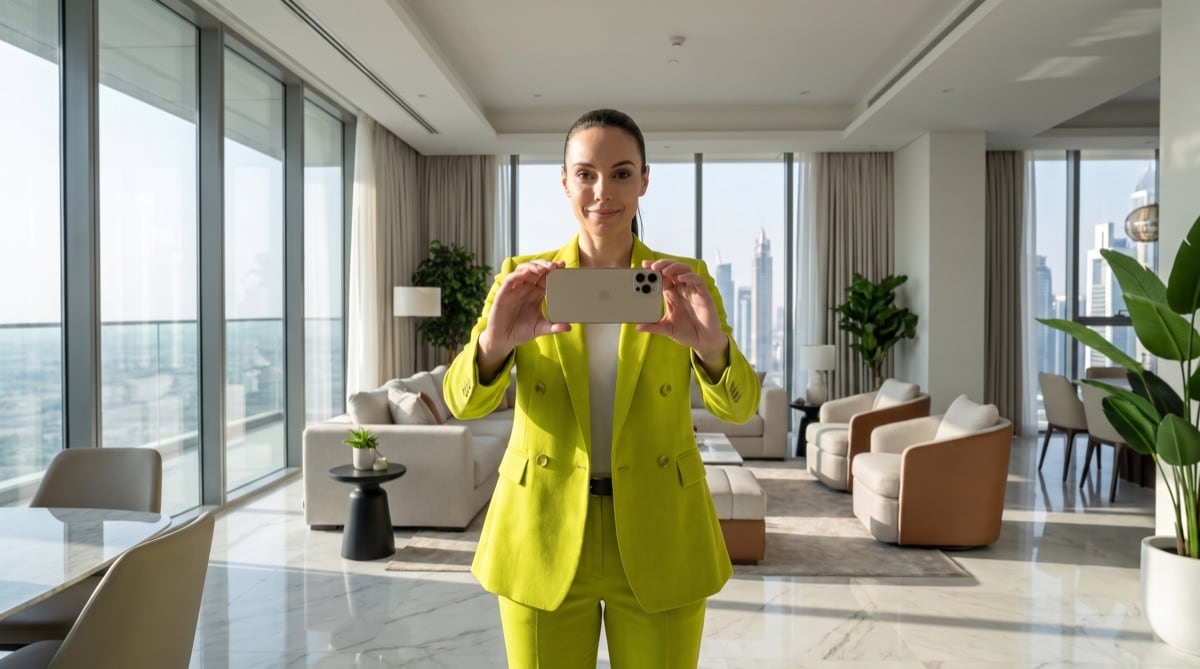
Phone horizontal, wide, eye level
- Hold the phone horizontal — never vertical (we can't use vertical video)
- Film wide — switch to your phone's wide-angle lens (the 0.5× setting) so it captures more of the room
- Hold it at eye level, and film in 4K if your phone allows
- Keep it flat — tilting up or down bends the walls; flat lets us see the floor and the ceiling
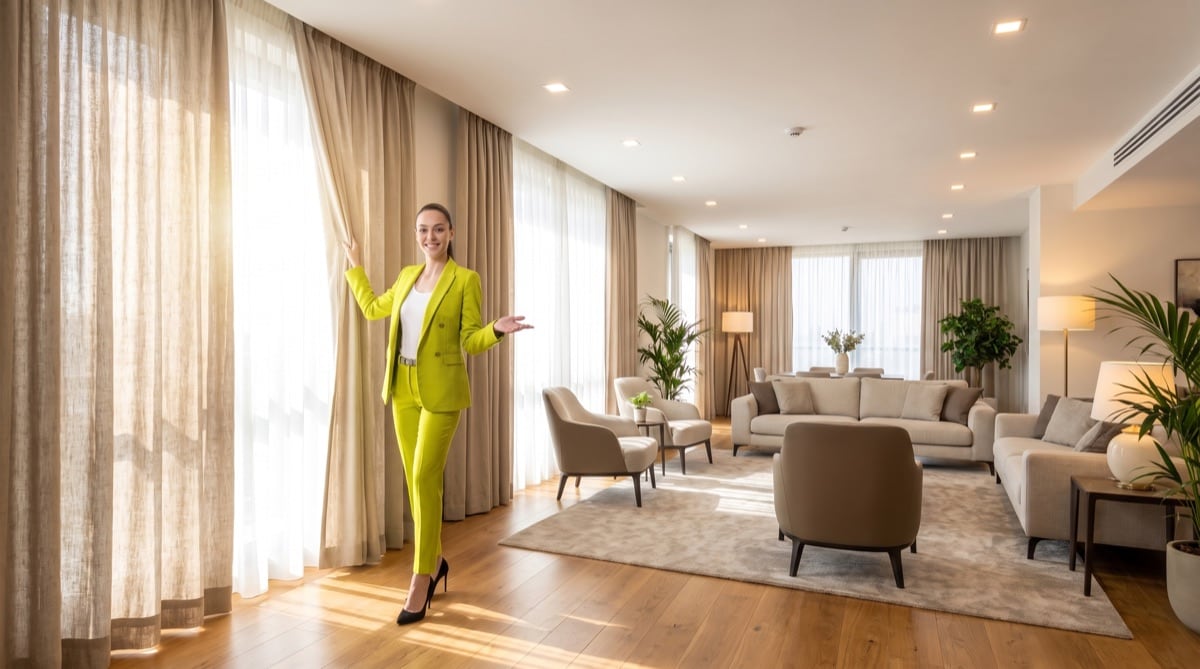
Let the light in — don't clean
- Open every curtain and blind — all of them
- Turn on every light — the more light, the better we copy the real colors and textures
- Don't tidy up — messy bed, clutter, cables, even you in a mirror: leave it, we remove it
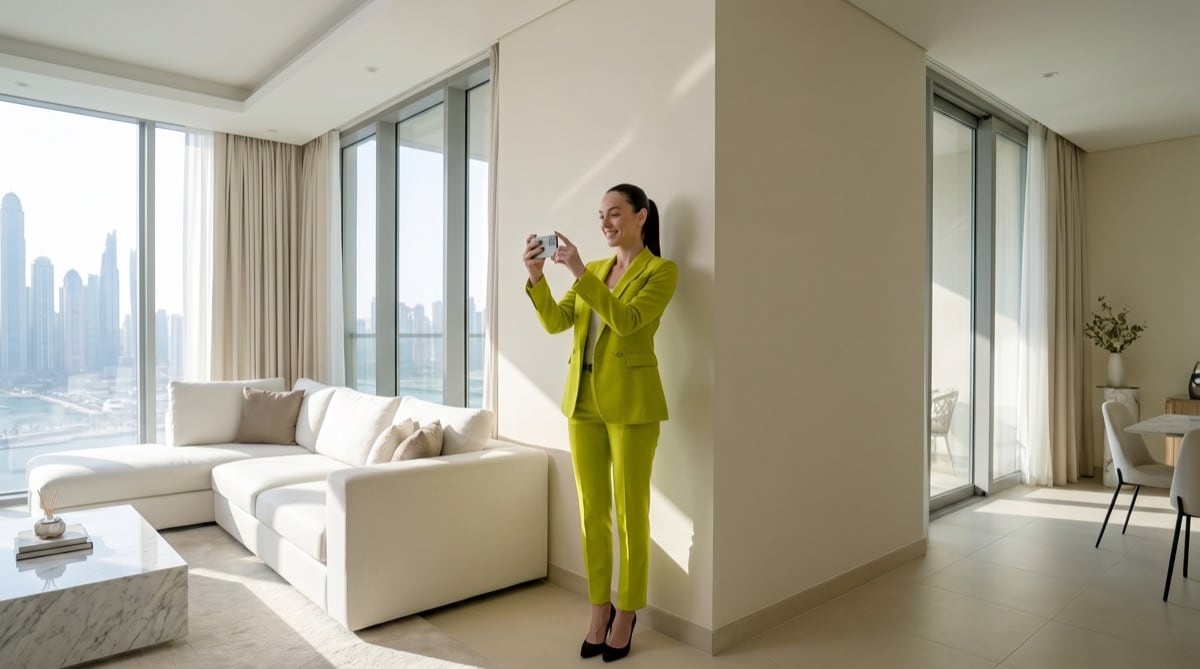
Slow, steady, one room at a time
- Never walk and turn at once — walk with it pointing straight, or stop and slowly look around. Never both (it blurs)
- Go slow — move like you're half asleep and hold each shot a few seconds
- Whole room in one shot — step back, go wide, don't film in bits
- Film big rooms from every corner
- Film the place as one continuous video — don't stop recording
- Film every room — even the small ones (laundry, storage, parking)
Outside sells it — we make it glow
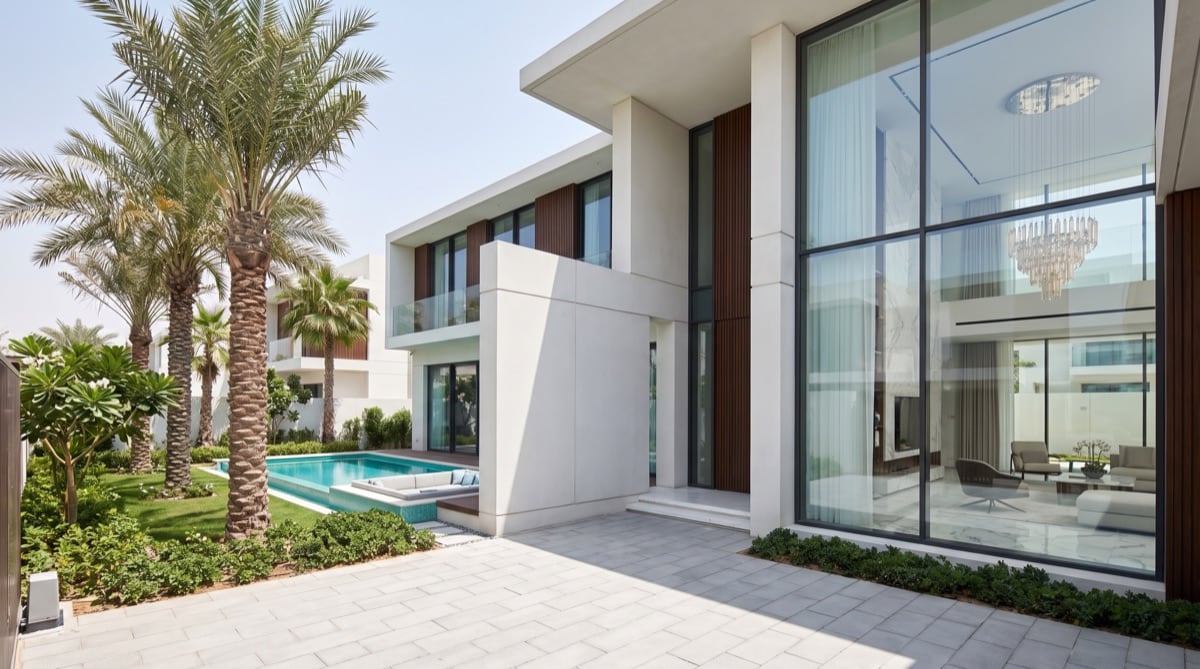
- Villas: film all four sides of the house, plus the garden and pool (pool in front, house behind)
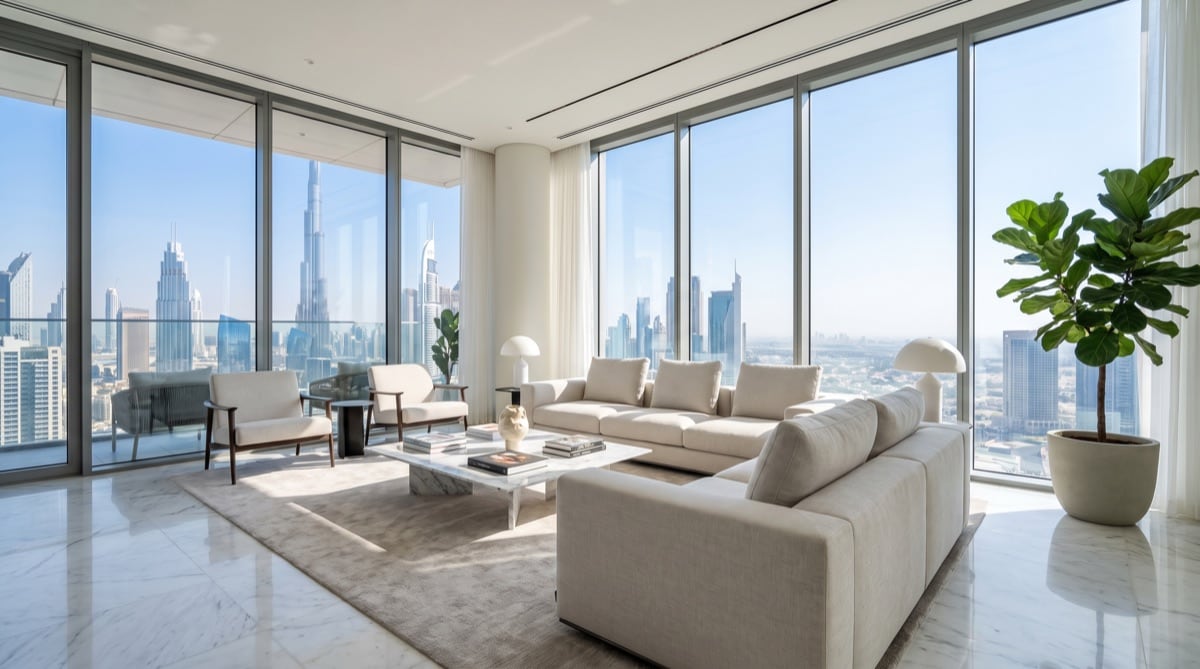
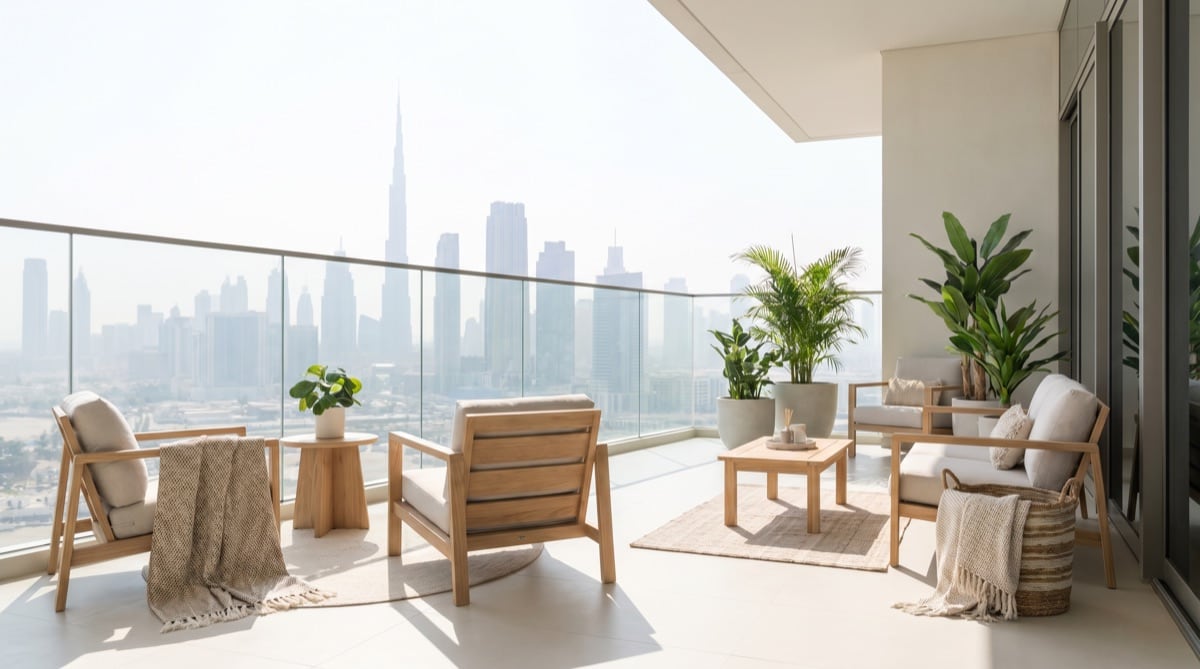
- Apartments: the view is the star — film it from the living-room window and the balcony
- Cover the living room, kitchen, and dining
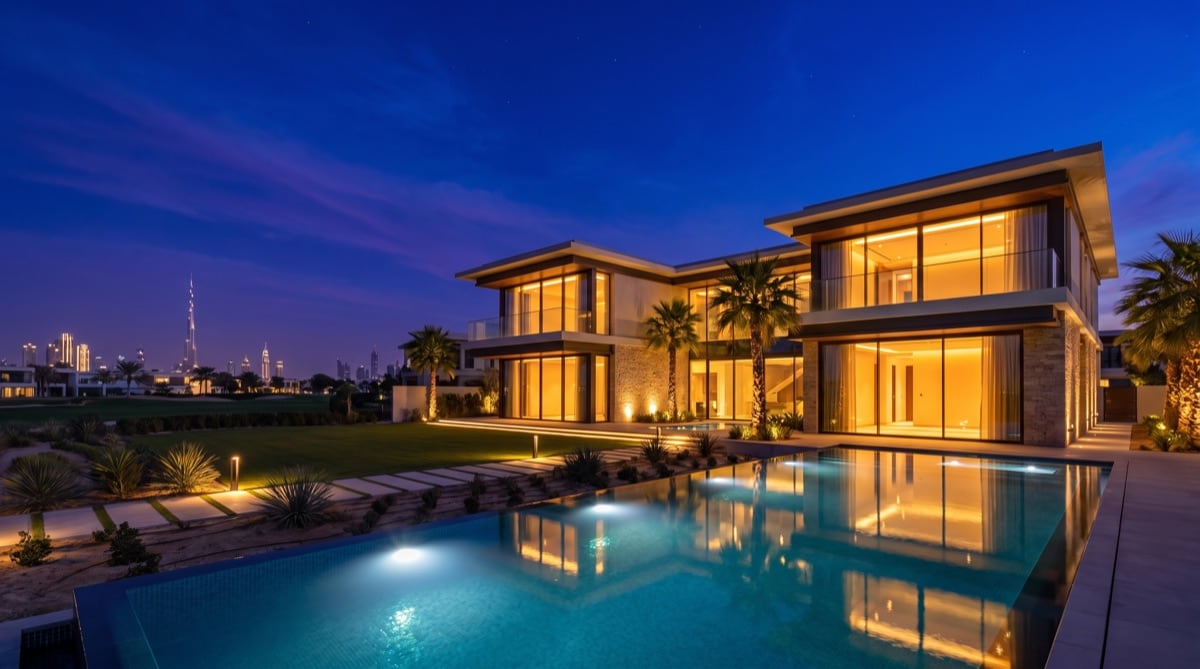
- Just film in daylight — we turn it into a glowing twilight hero shot
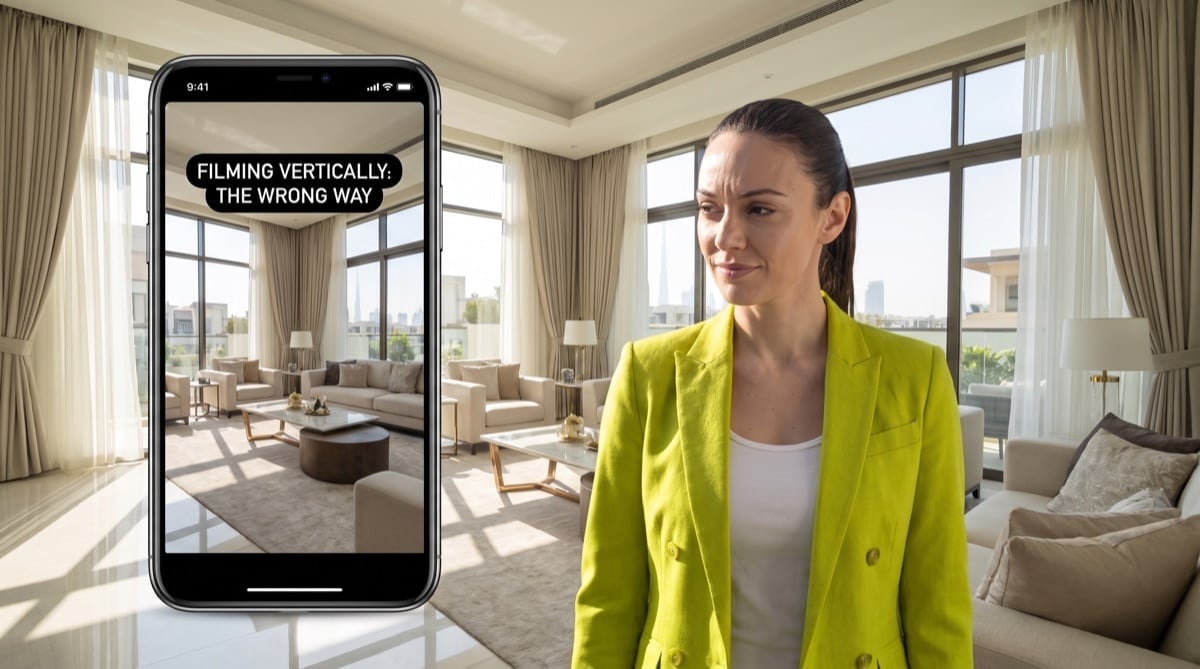
Filming vertically
- Vertical video looks bad and we can't use it — always film horizontally.
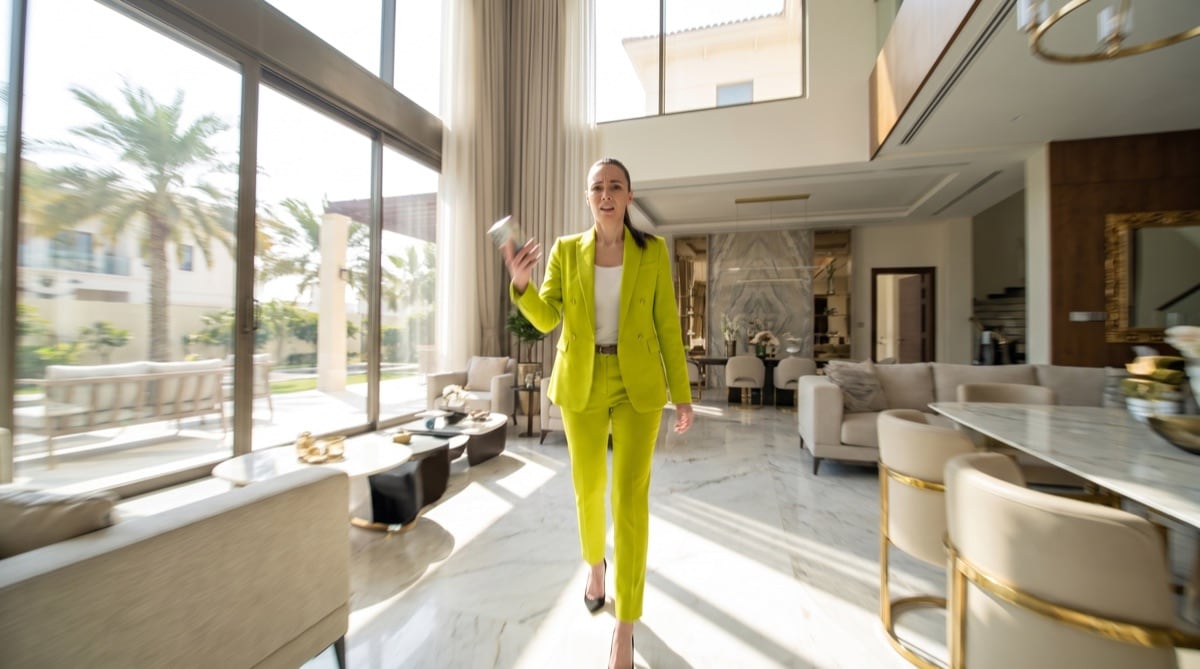
Walking and turning together
- Doing both at once blurs everything. Walk, or look around — never both.
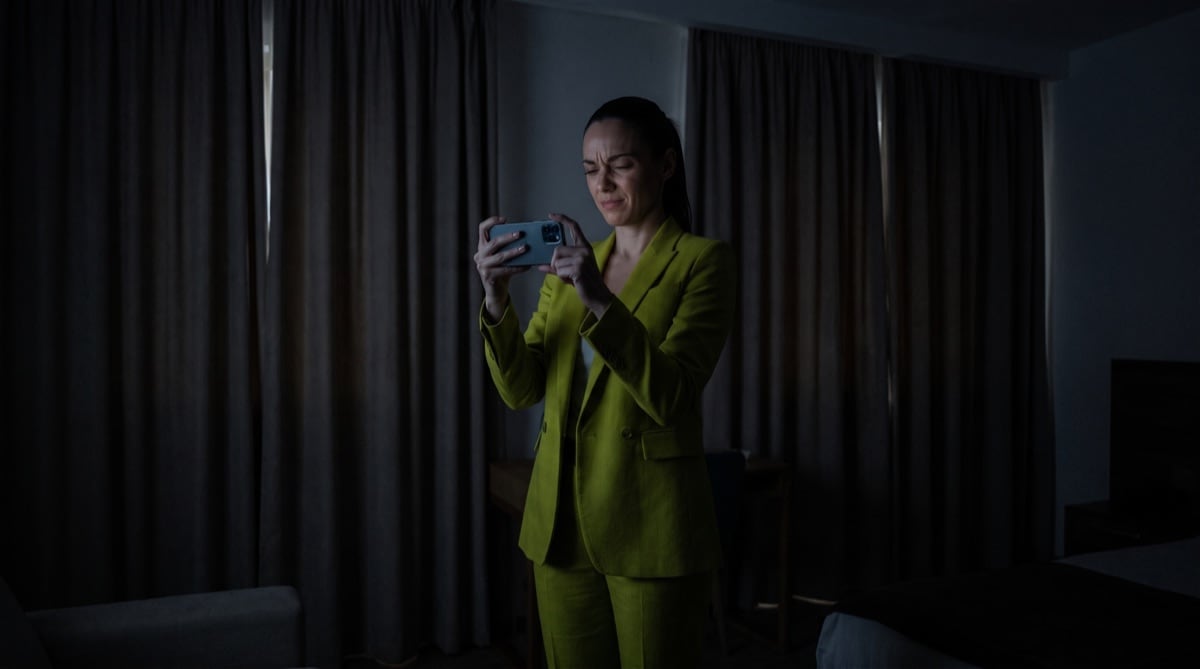
Filming a dark room
- Open the curtains, turn on the lights, or use your flashlight. Never film in the dark.
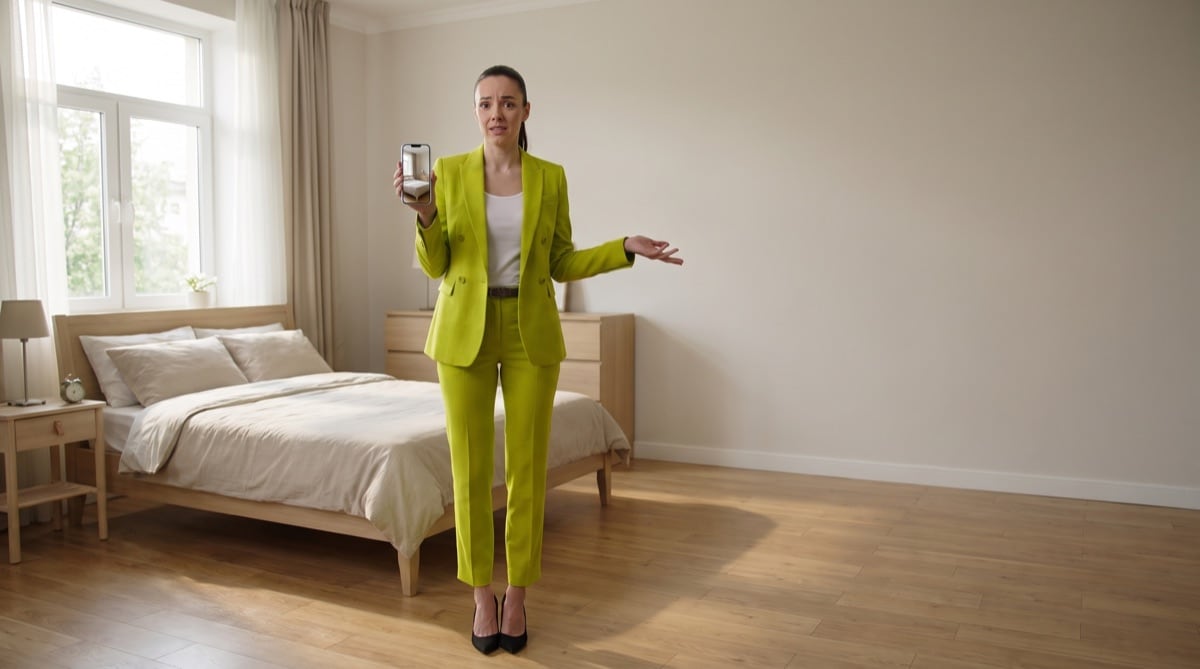
Not filming the whole room
- If we can't see it, we have to guess. Always show the room wall to wall.
Send it the right way
- Check your settings and film in high quality — 4K if you can
- Then upload the original file through your upload link (not WhatsApp — it ruins the quality)
Pick the property type
What to film
One smooth video for the whole unit. Film the entrance and hallway too.
Living room
Use as many corners as possible. Pause 2–3 seconds in each before moving.
Bedrooms
Two opposite corners is enough. Keep the bed, floor and ceiling in frame.
Kitchen
Two opposite corners. Show the counters and appliances clearly.
View & balcony
Film the balcony and the view separately. More angles, better choices.
Bathrooms
One slow pan from the doorway. Lights on — we remove mirror reflections.
Small rooms
Laundry, storage, parking — film them all. If you don't film it, we can't use it.
Ready to upload?
- Phone was sideways
- Wide angle / 0.5 was used
- Floor and ceiling are visible
- Big rooms filmed from the corners
- Lights on, curtains open
- Every room included
No cleaning needed — we fix it for you
Mess, bins, cables, reflections, even you in a mirror — all removed for you. The only thing we can't fix is a room you didn't film.
Send the original file through your upload link (not WhatsApp — it ruins the quality), a floor plan if you have one, and the beds / baths / area / price. 3–6 minutes total.
From the Ryselist team